Live or After Recording
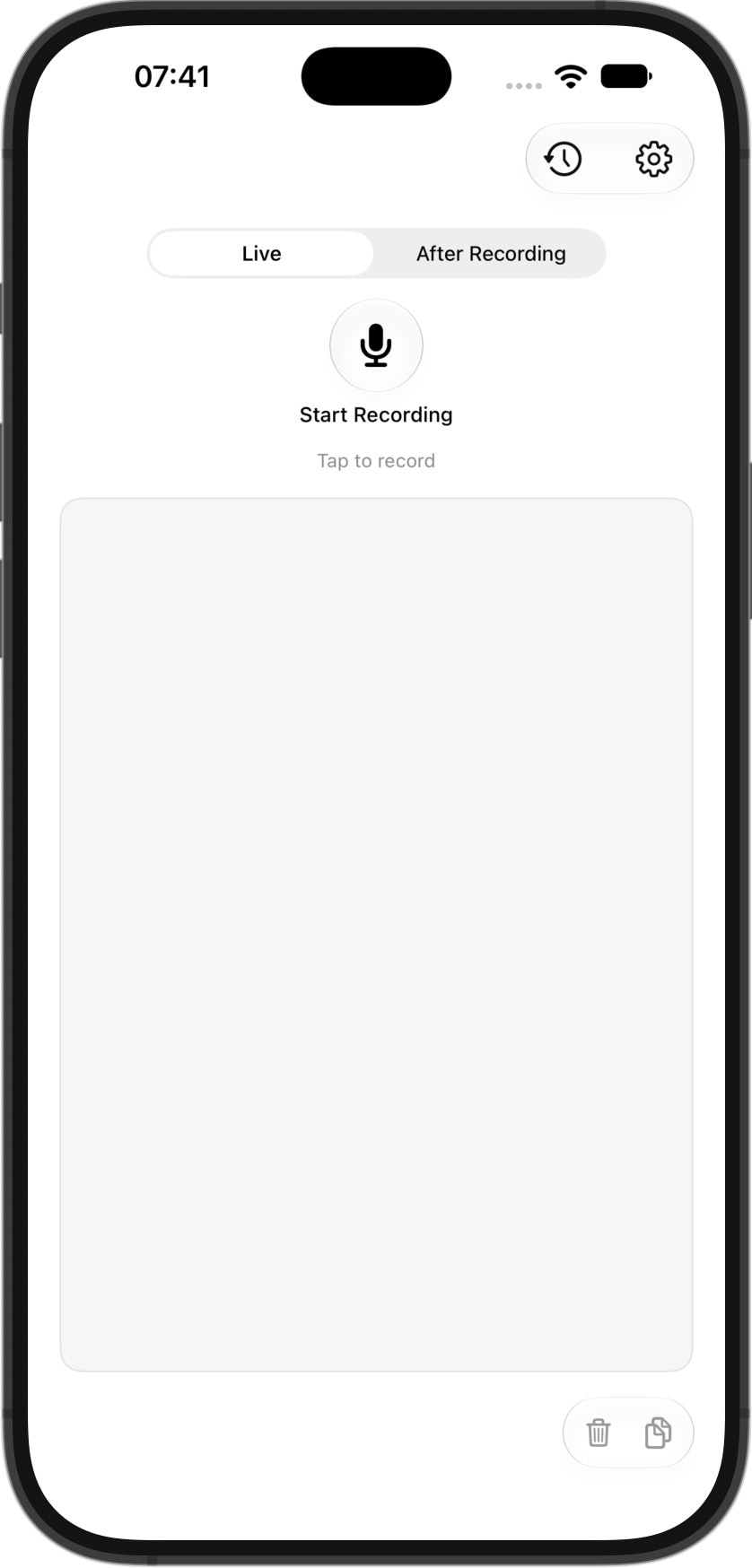
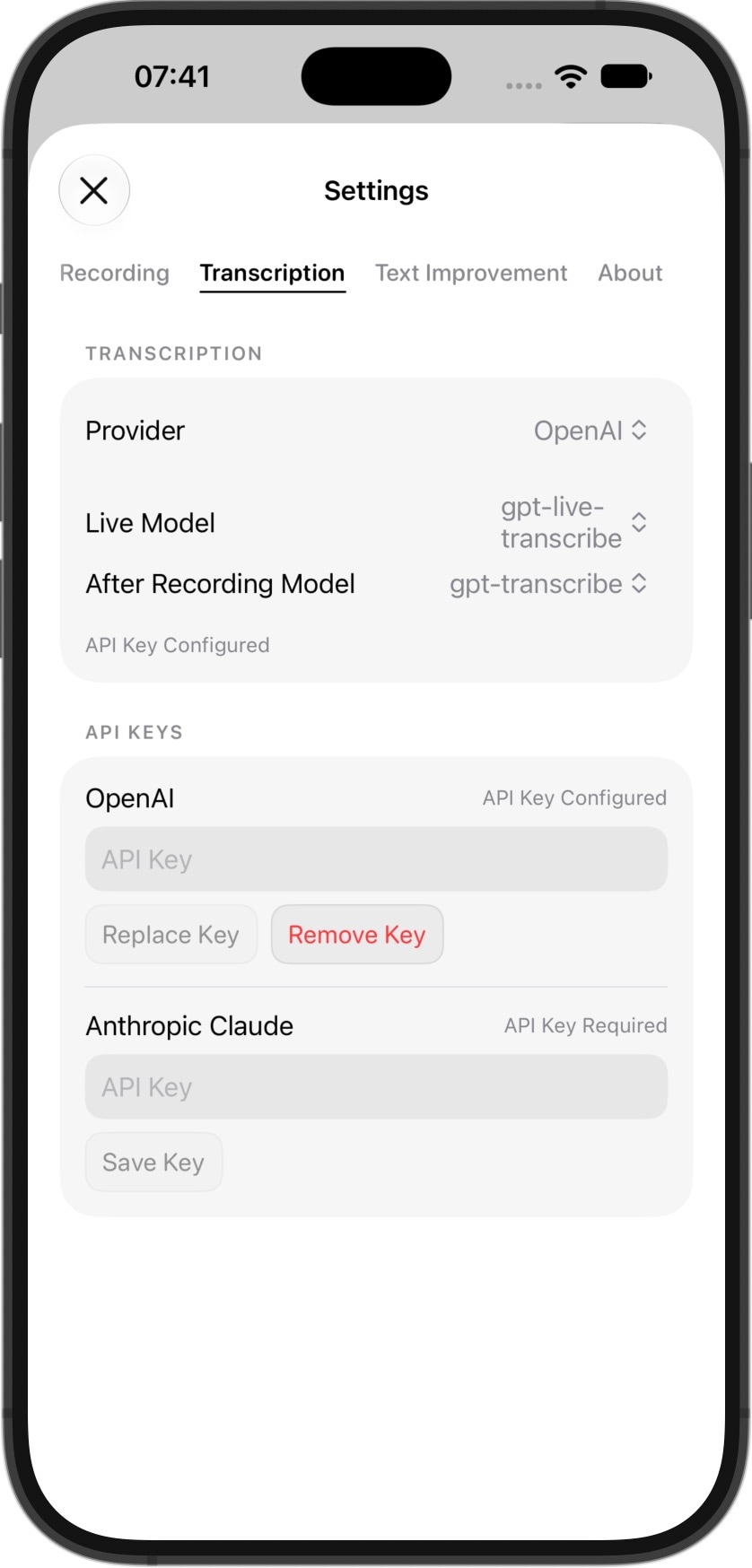
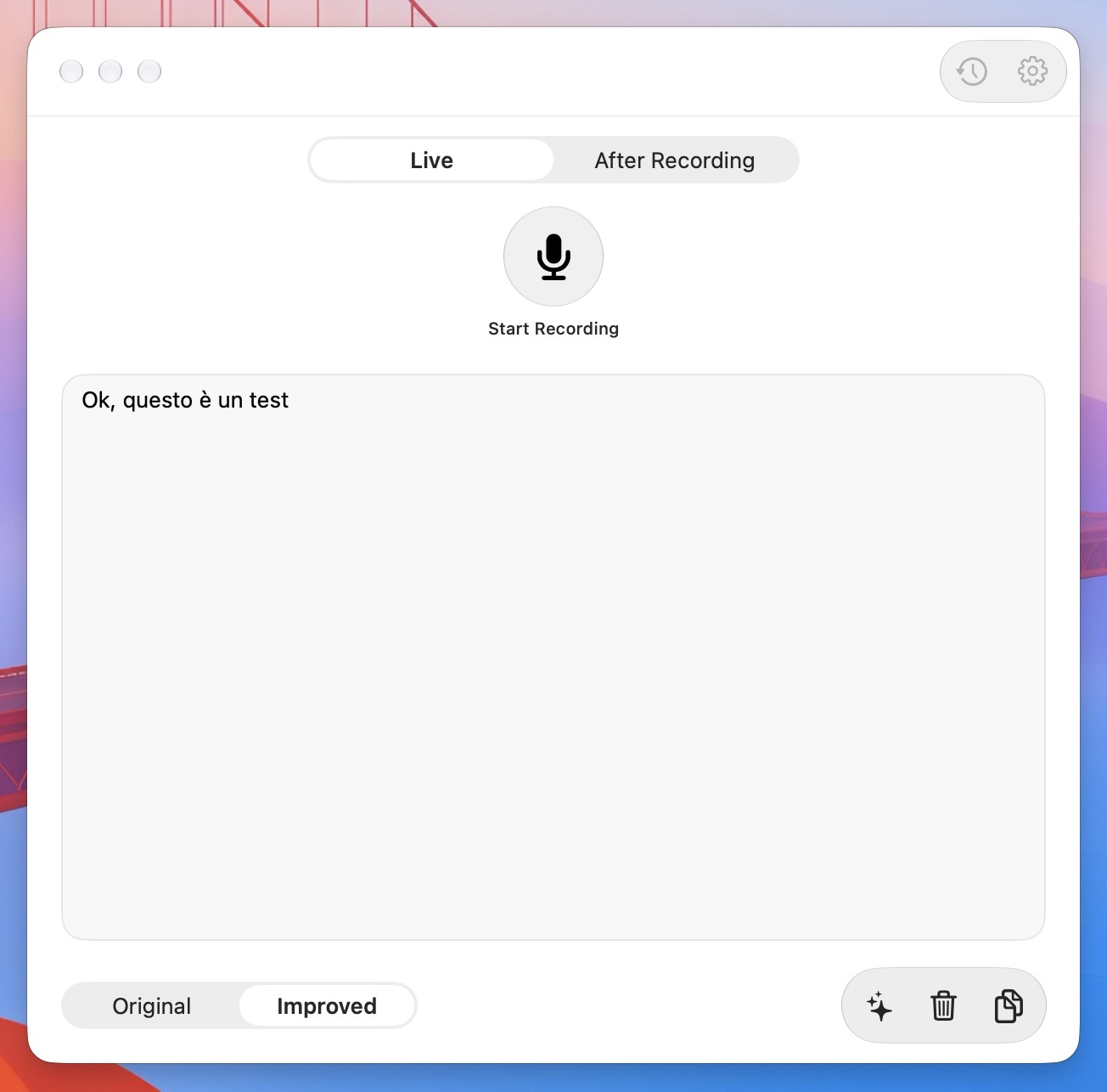
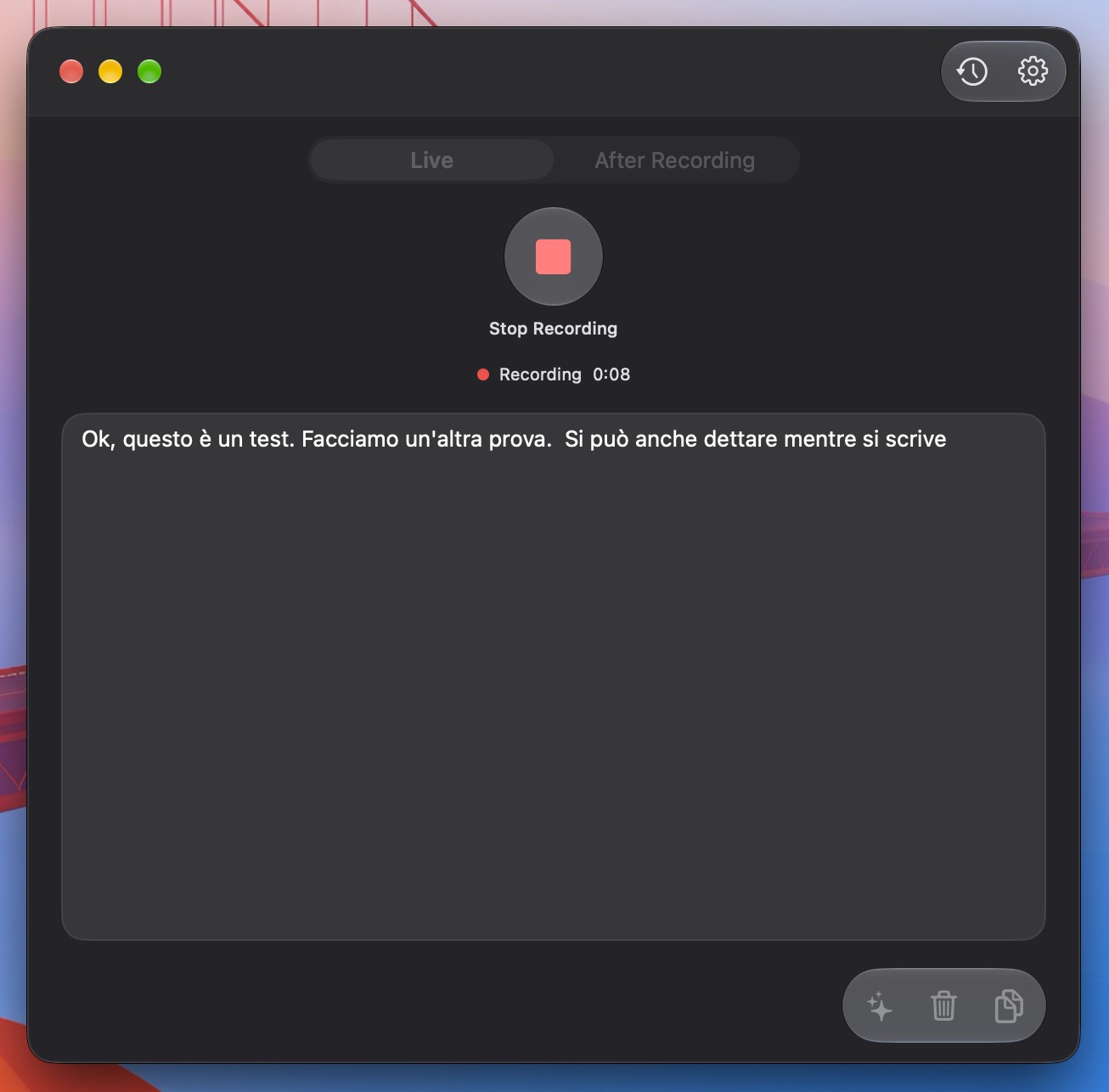
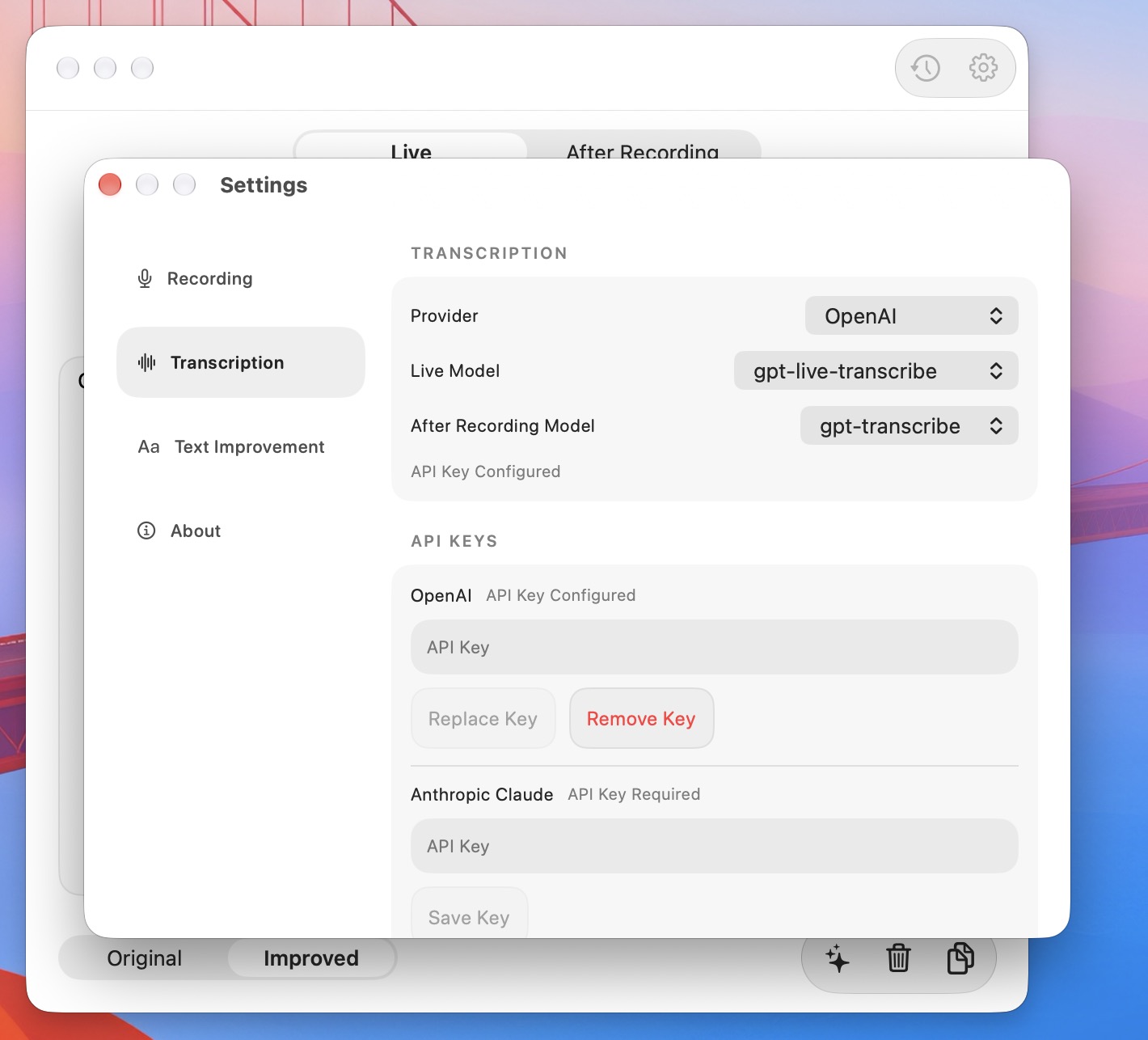
See the words appear as you speak in Live mode, or get the full transcript when you stop in After Recording mode. Use Apple Speech on-device or your OpenAI API key.
iPhone, iPad and macOS
Record your voice with OpenAI, turn it into editable text and improve it automatically
See the words appear as you speak in Live mode, or get the full transcript when you stop in After Recording mode. Use Apple Speech on-device or your OpenAI API key.
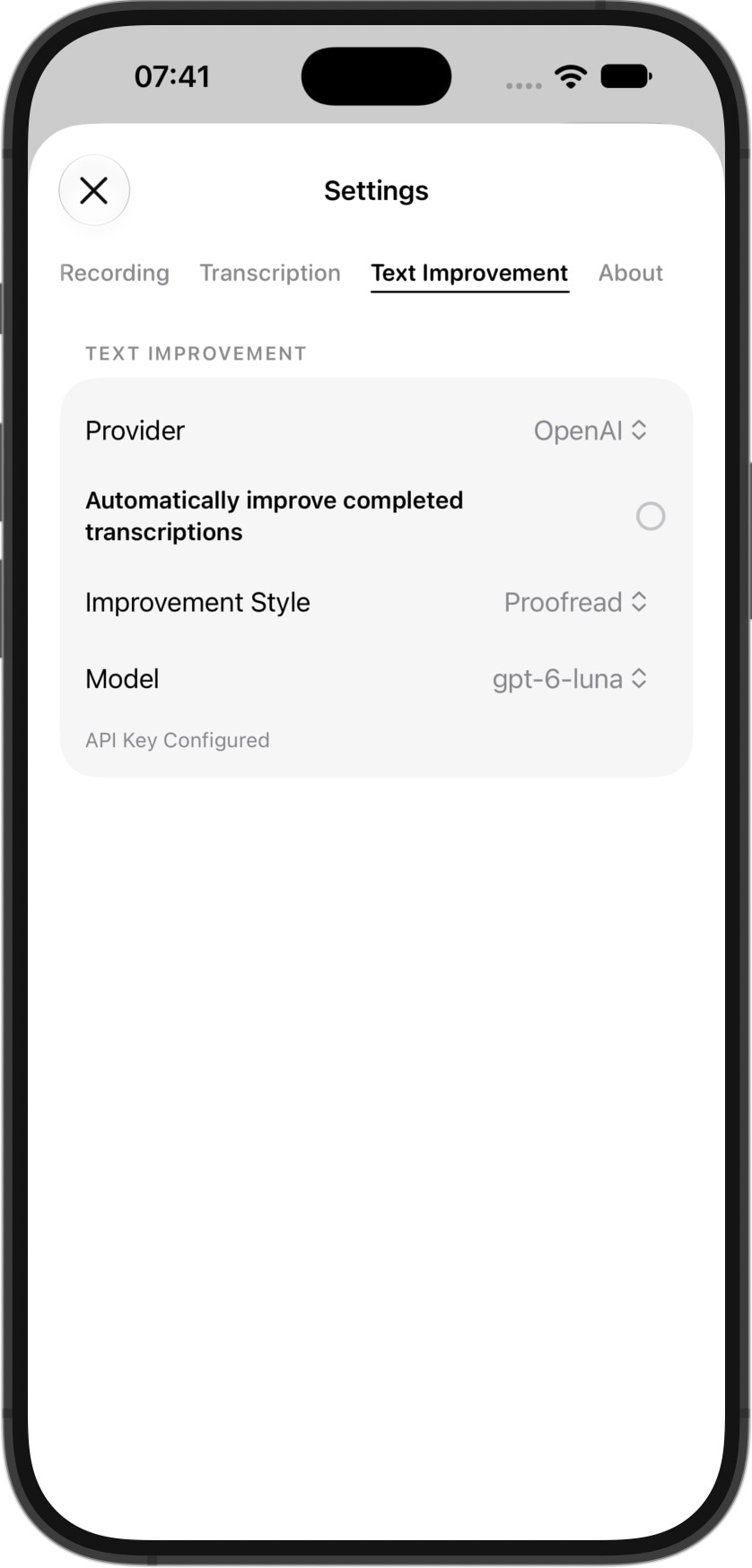
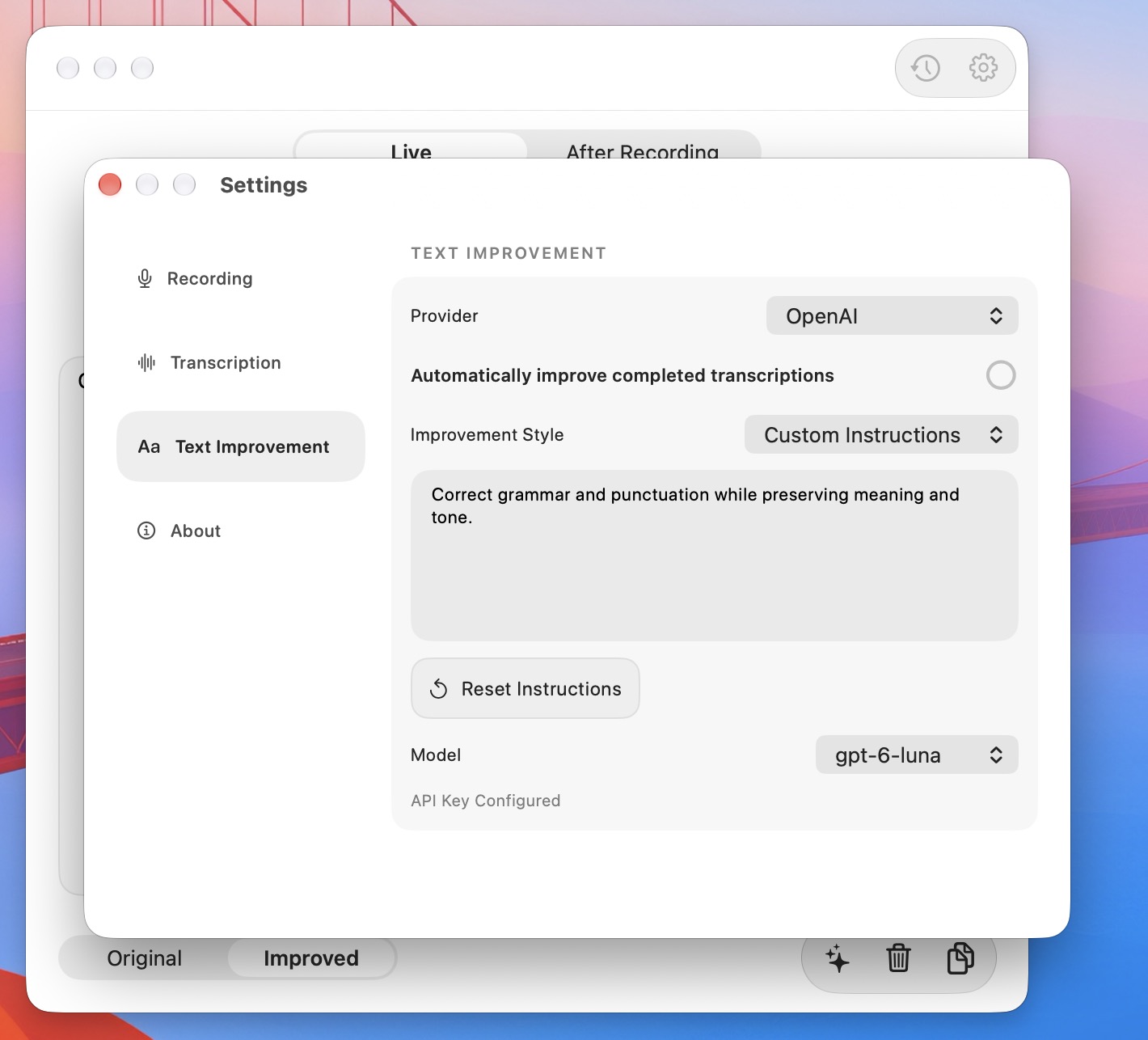
Use Apple Intelligence, or OpenAI/Anthropic API key to proofread, improve the text or write your ownprompt.
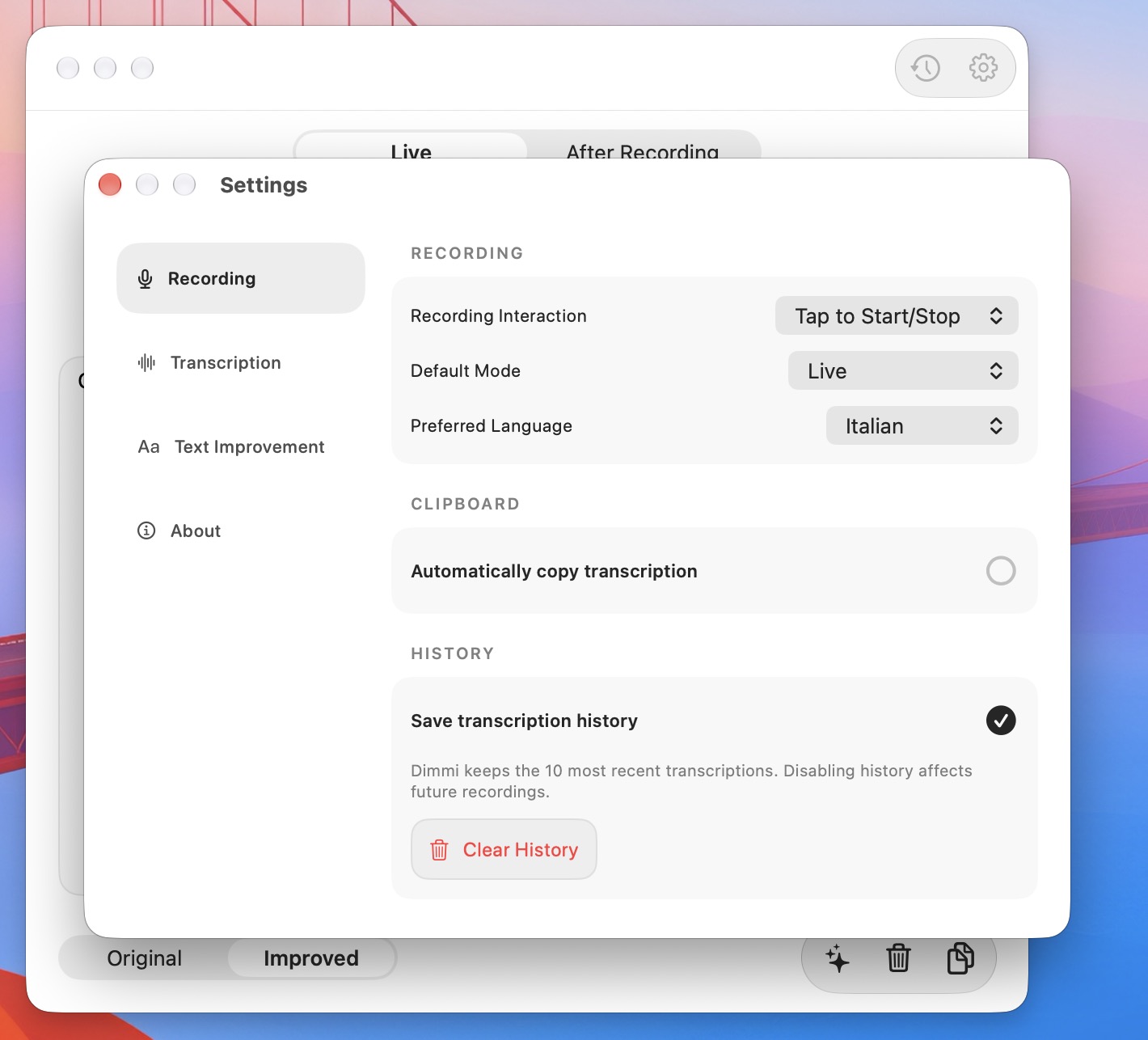
Copy the resulting text when transcription and any automatic improvement are finished.
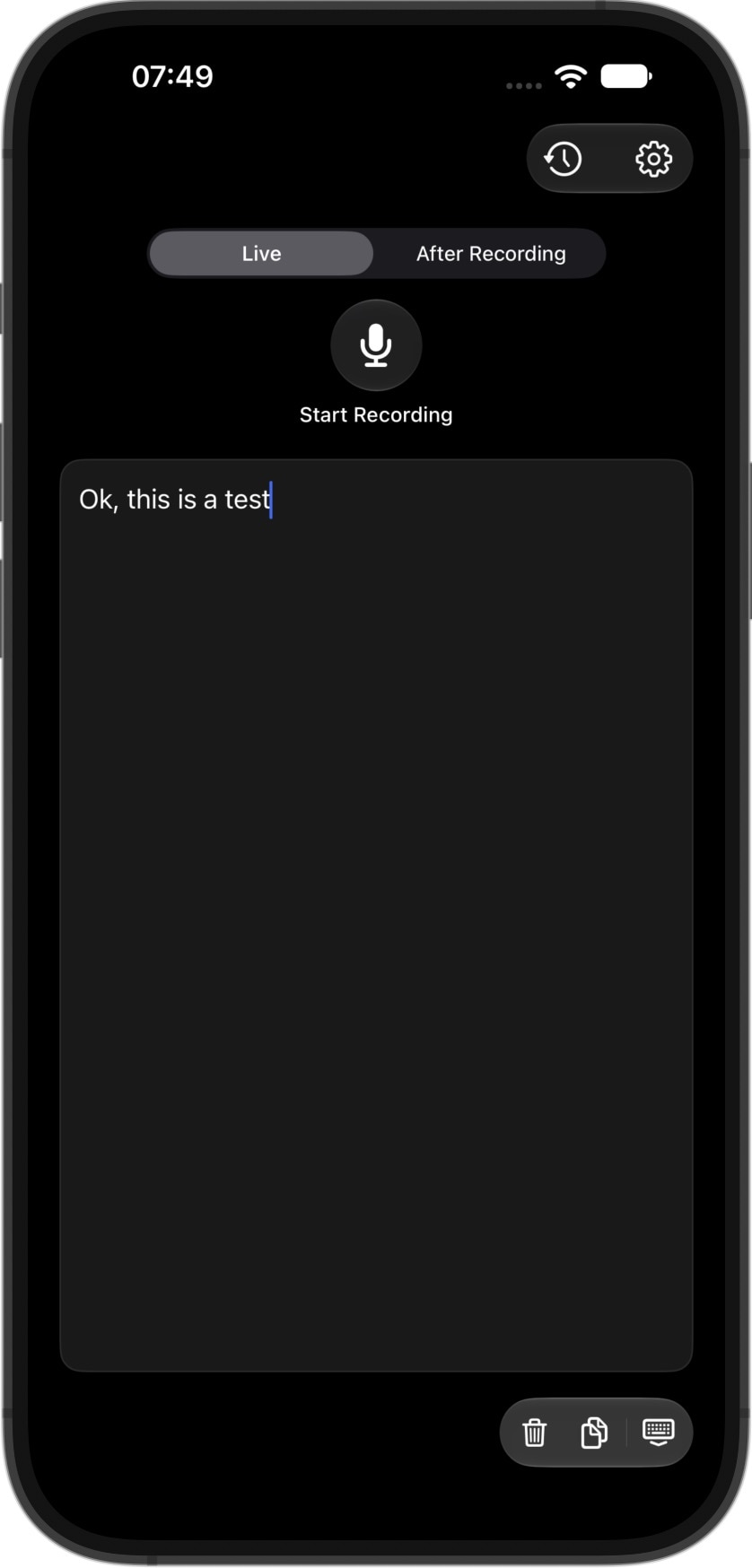
Edit your transcript with the keyboard, place the cursor where you want to continue and dictate from there. Switch between typing and speaking within the same sentence or paragraph.
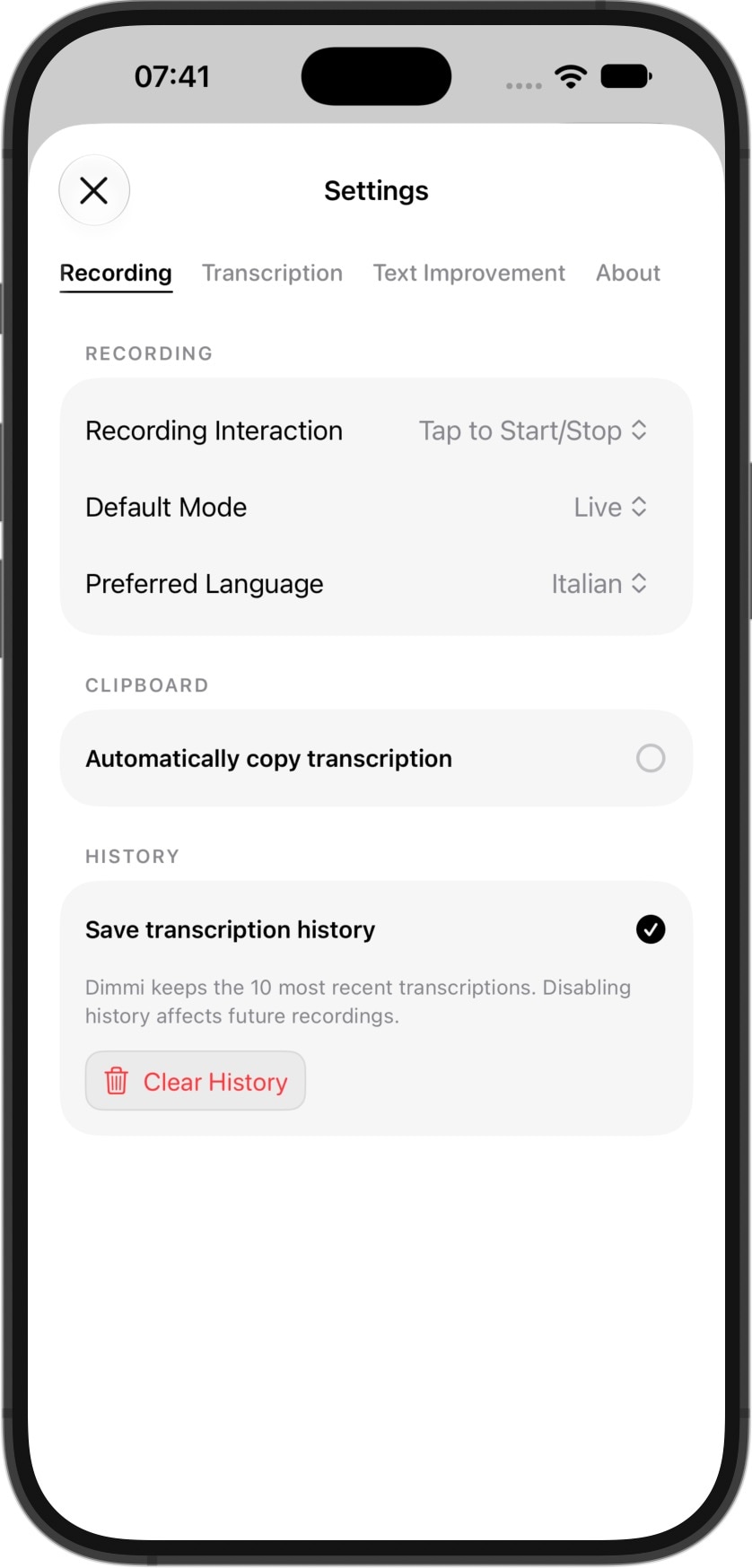
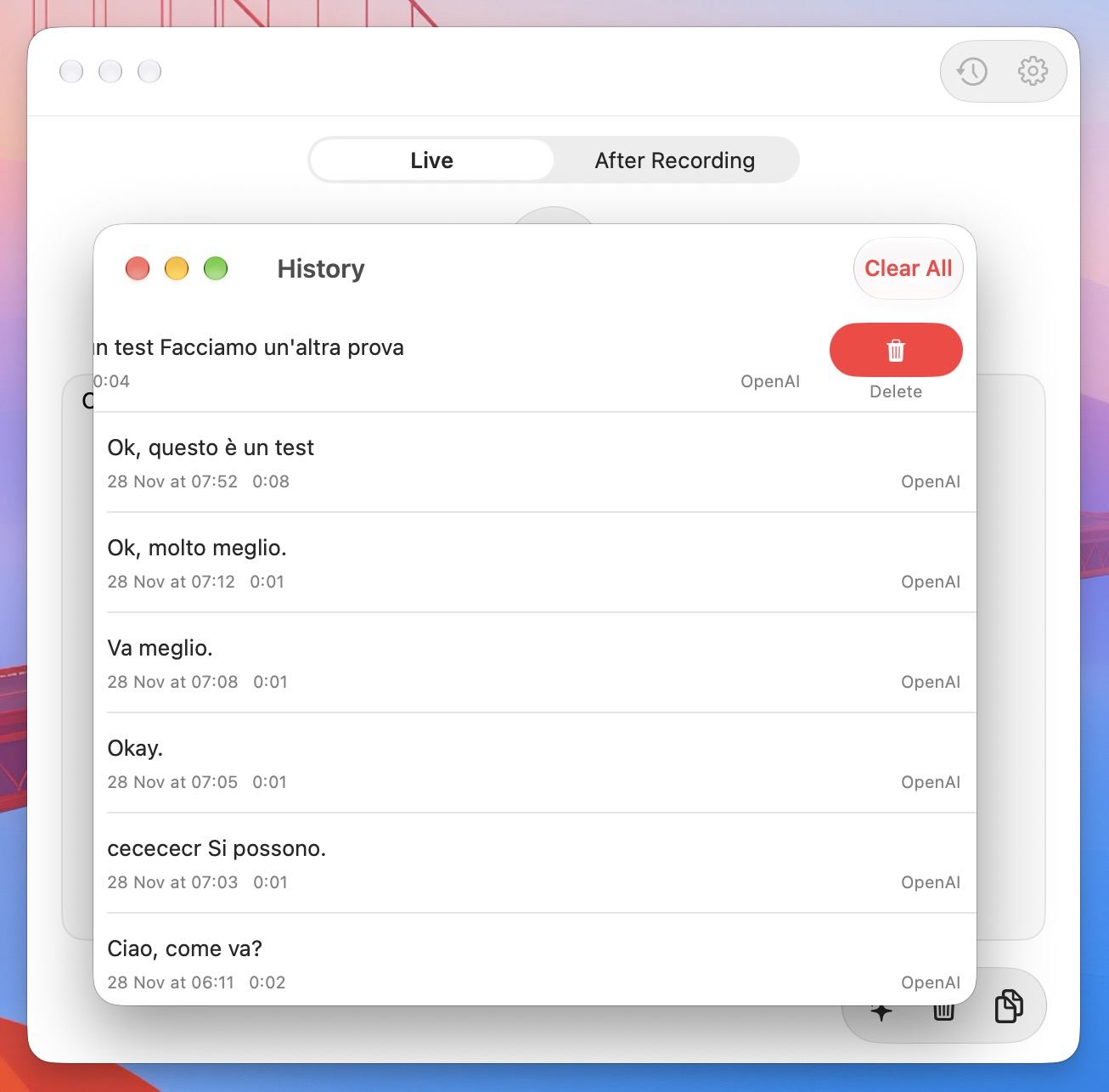
When History is enabled, revisit earlier transcripts and copy the original or improved text when available.
Gallery
iOS
macOS
Video
Privacy
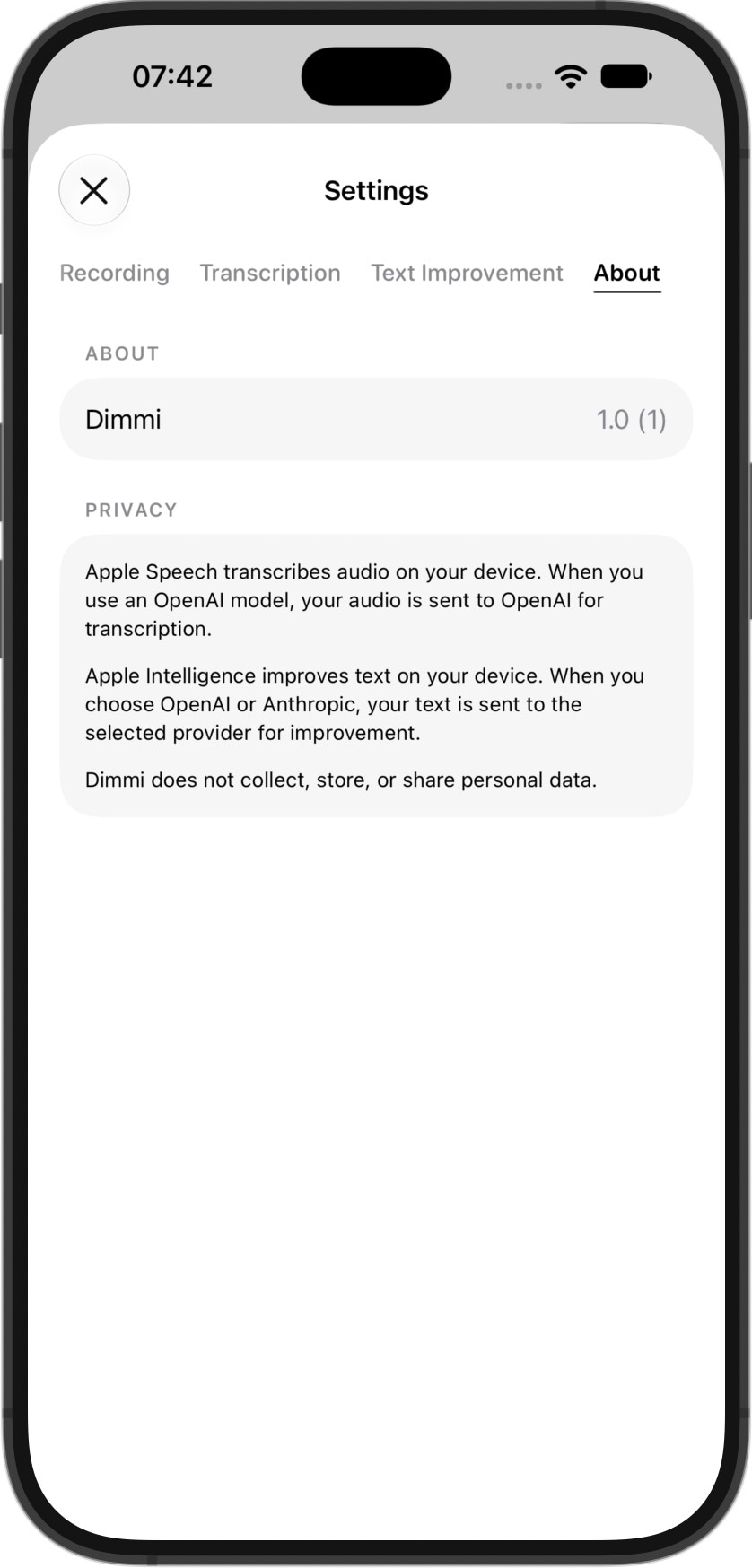
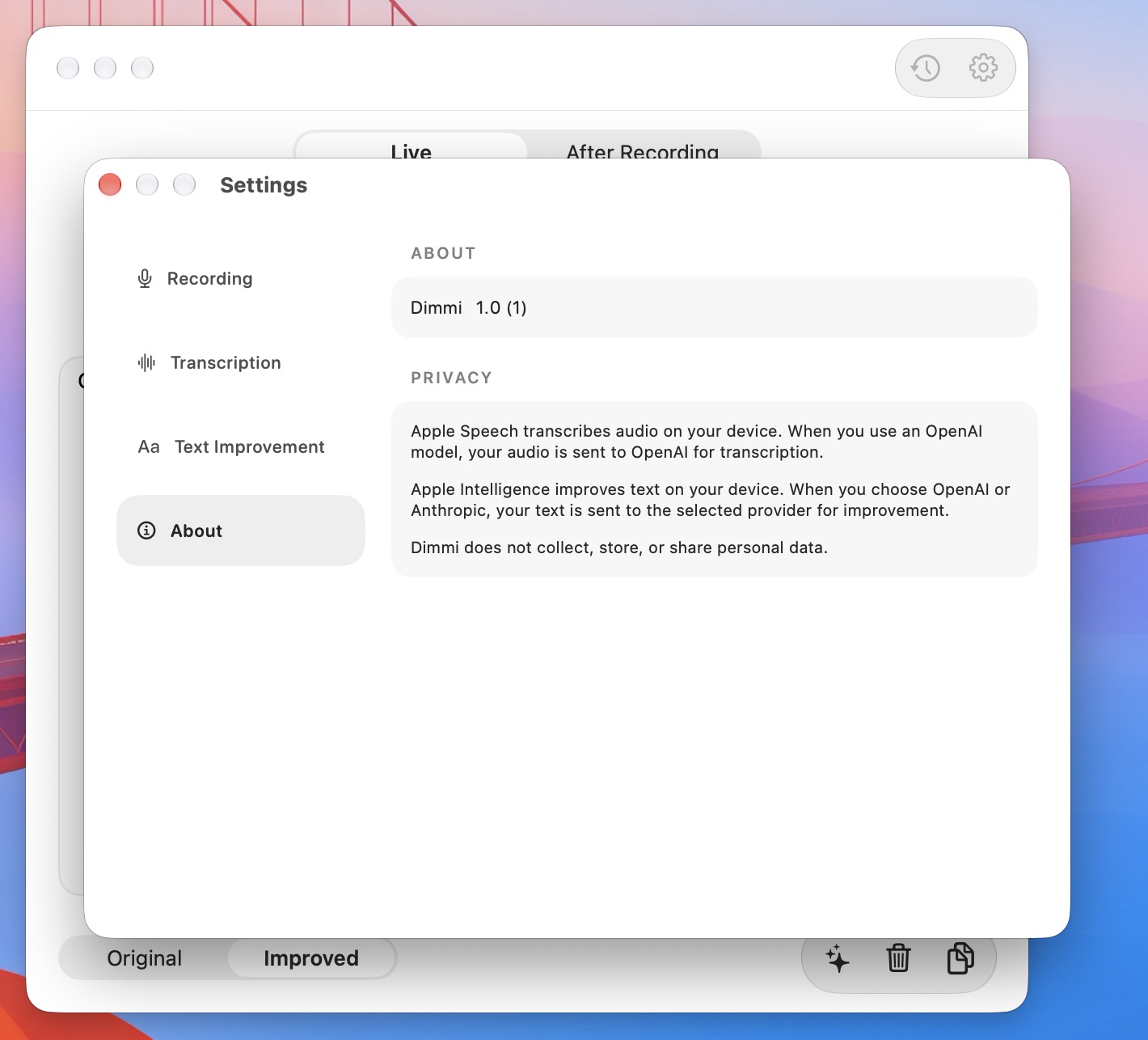
Apple Speech and Apple Intelligence process audio and text on your device. If selected, OpenAI receives audio for transcription, and OpenAI or Anthropic receives text for editing. History stays on your device.