
Share Sheet integration
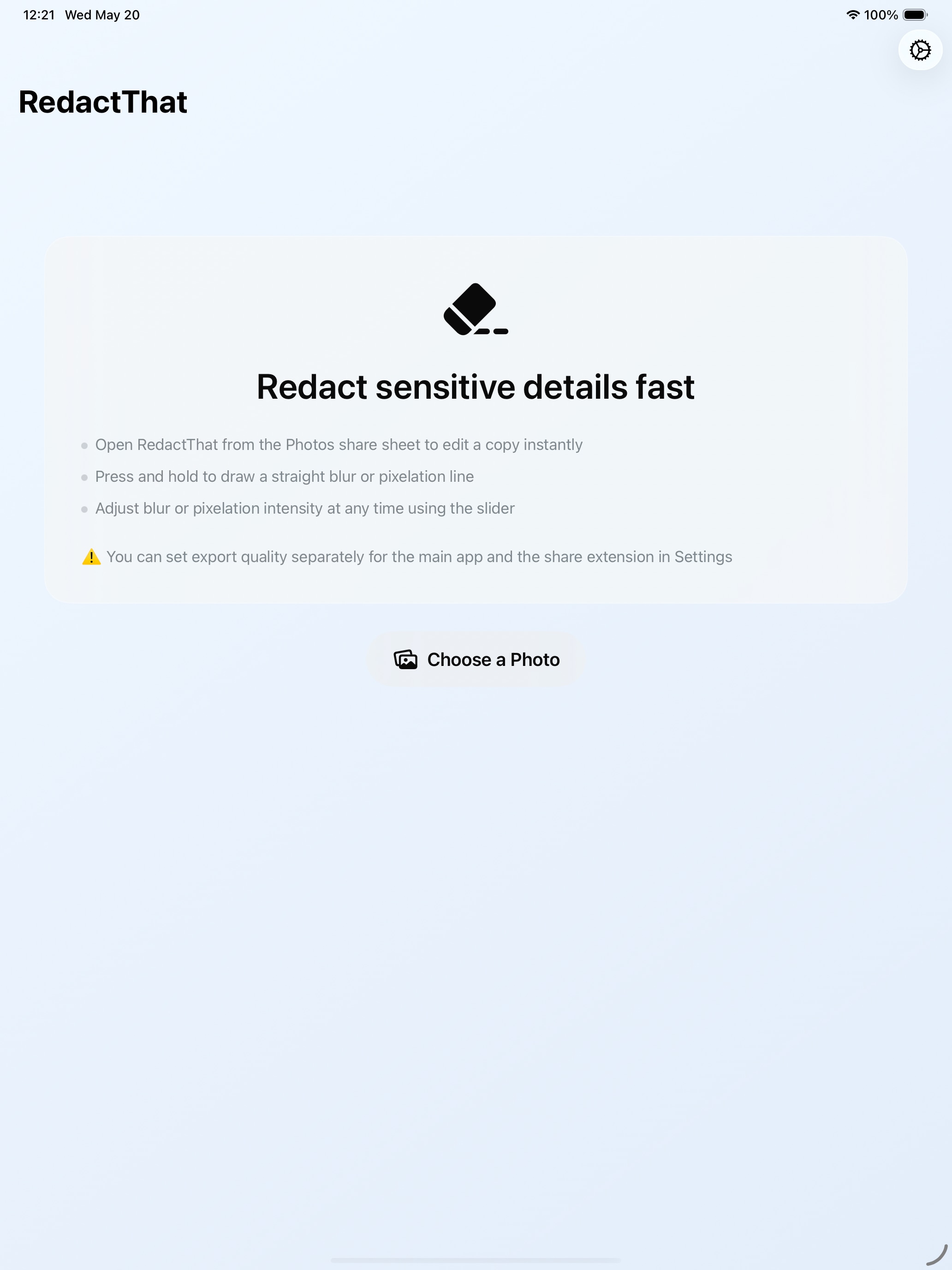
Edit images directly from the iOS Share Sheet or inside the app.
iPhone and iPad
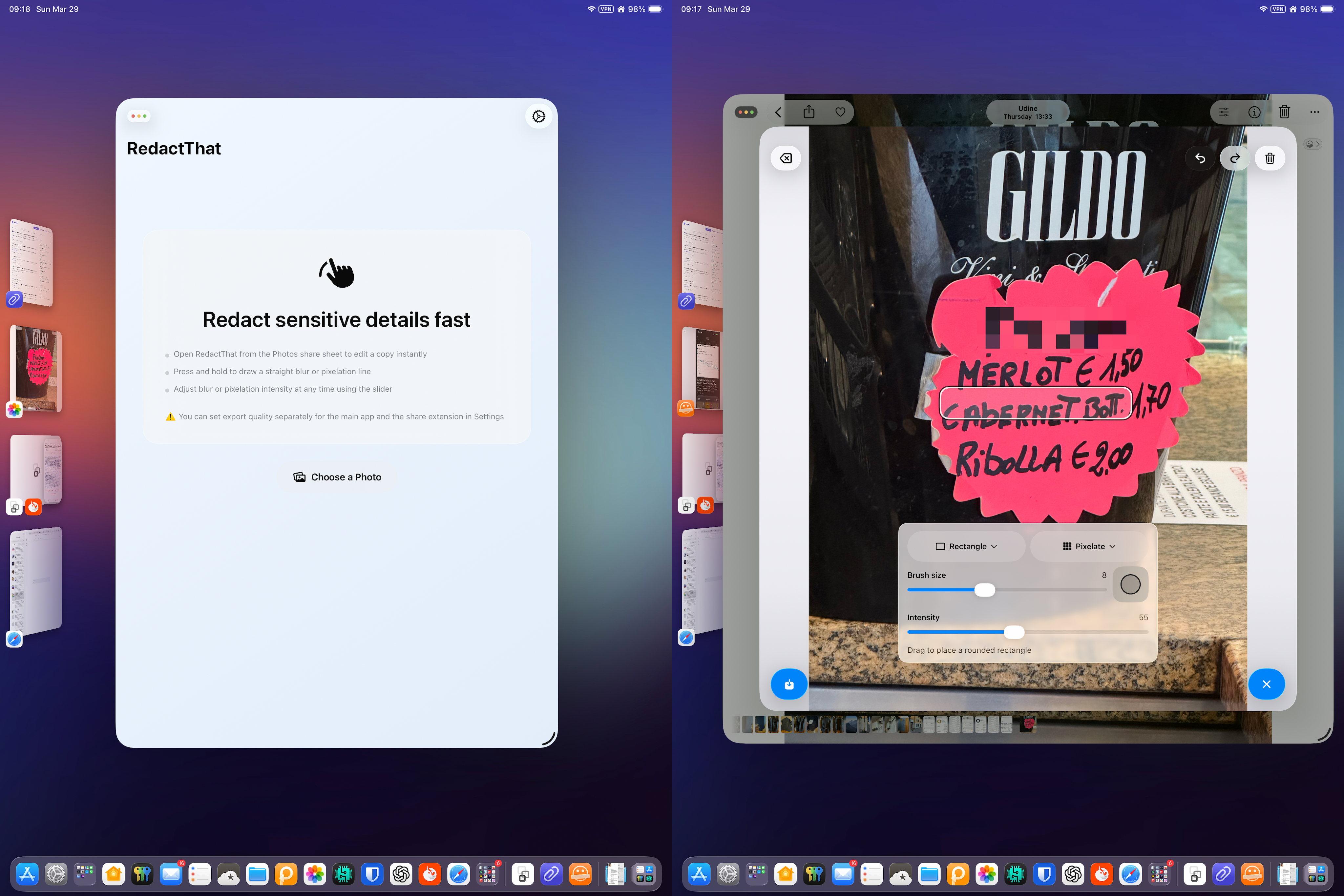
Hide sensitive details in screenshots and photos from Share Sheet, with a non-destructive workflow
Edit images directly from the iOS Share Sheet or inside the app.
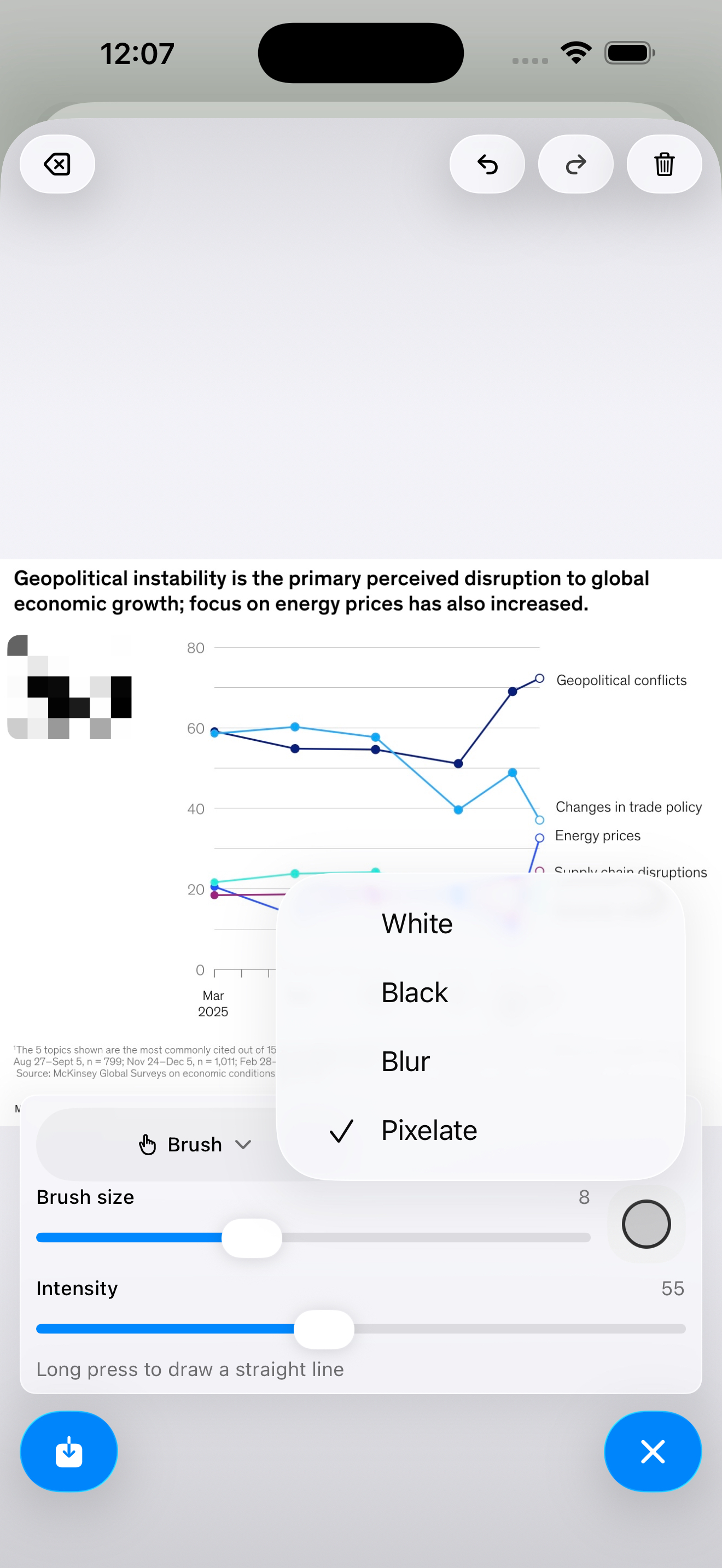
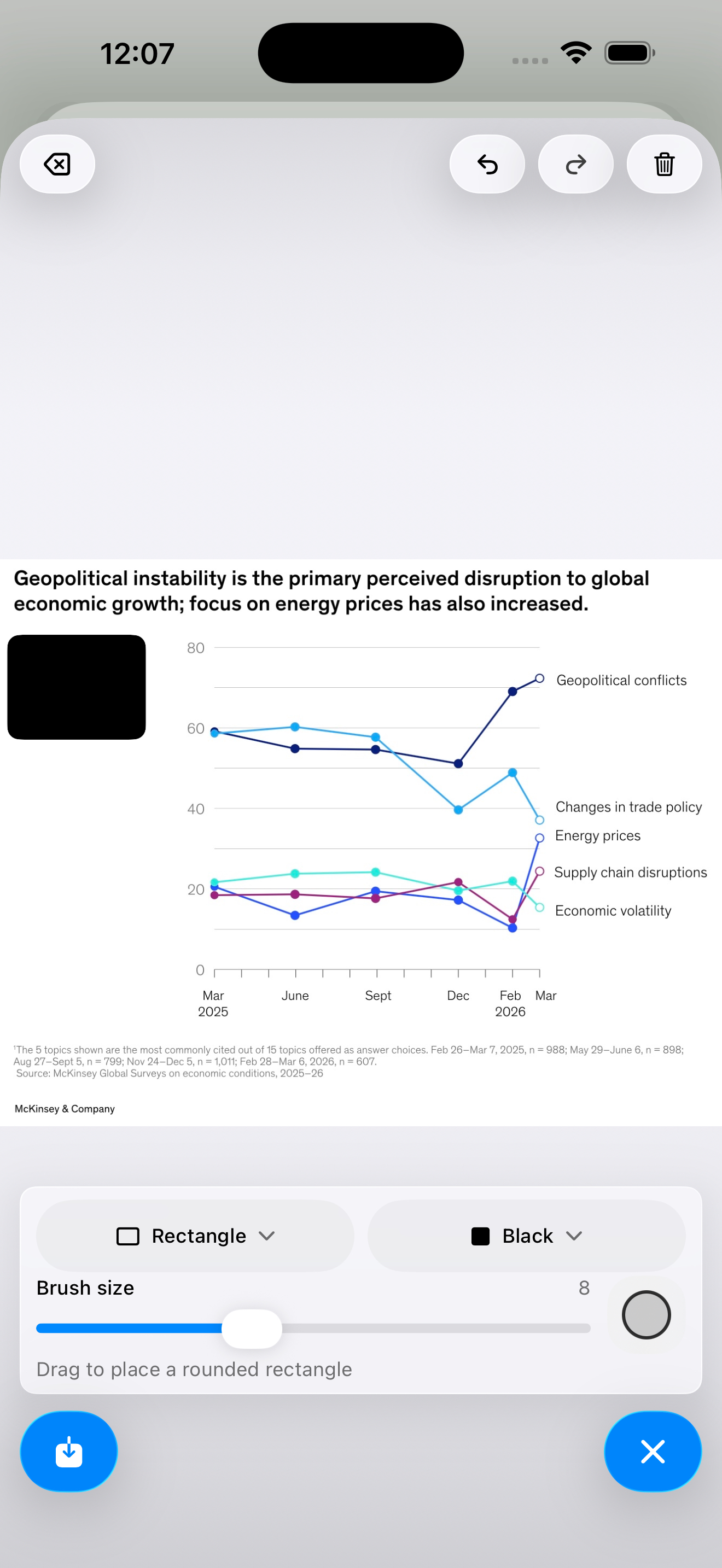
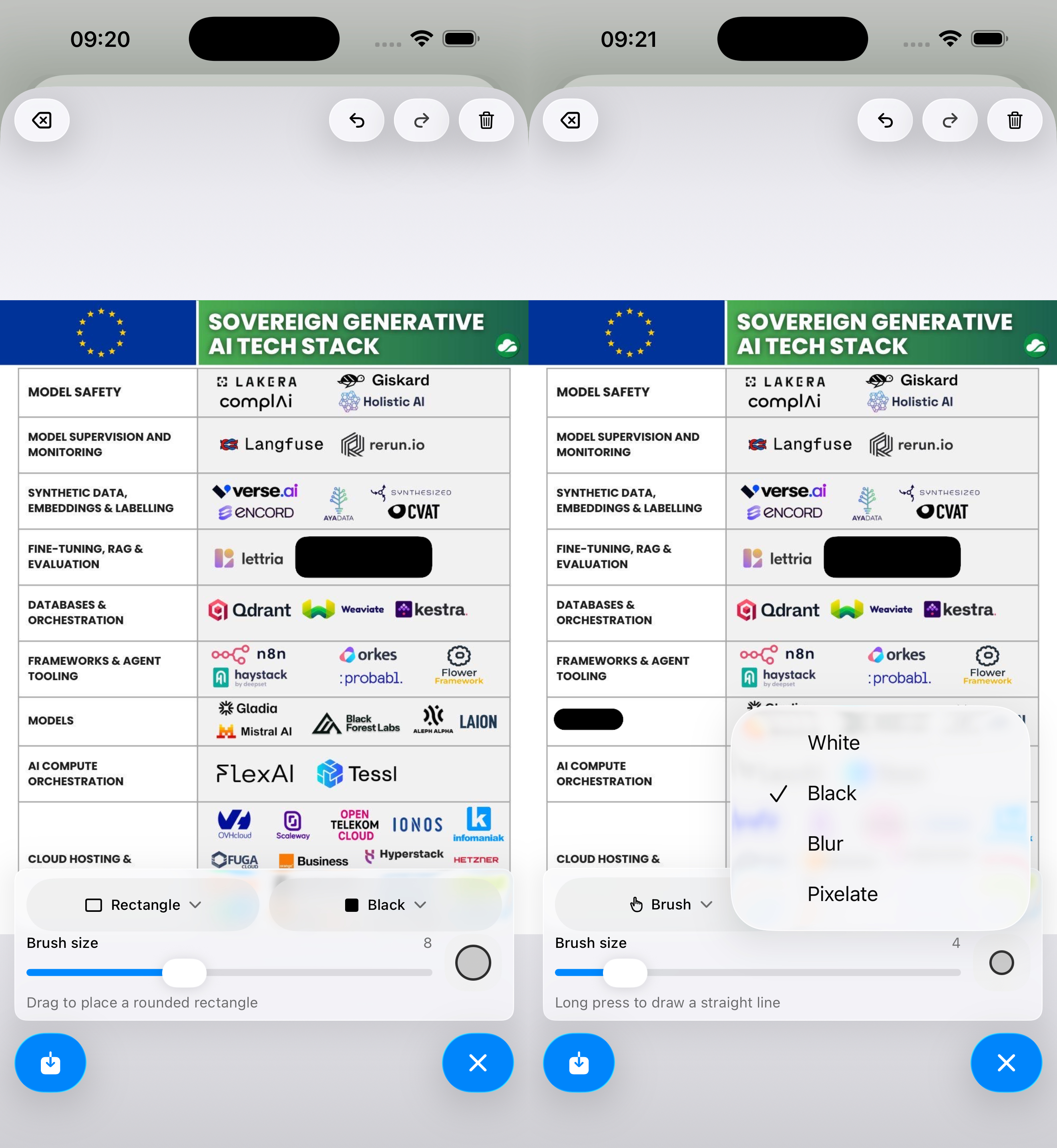
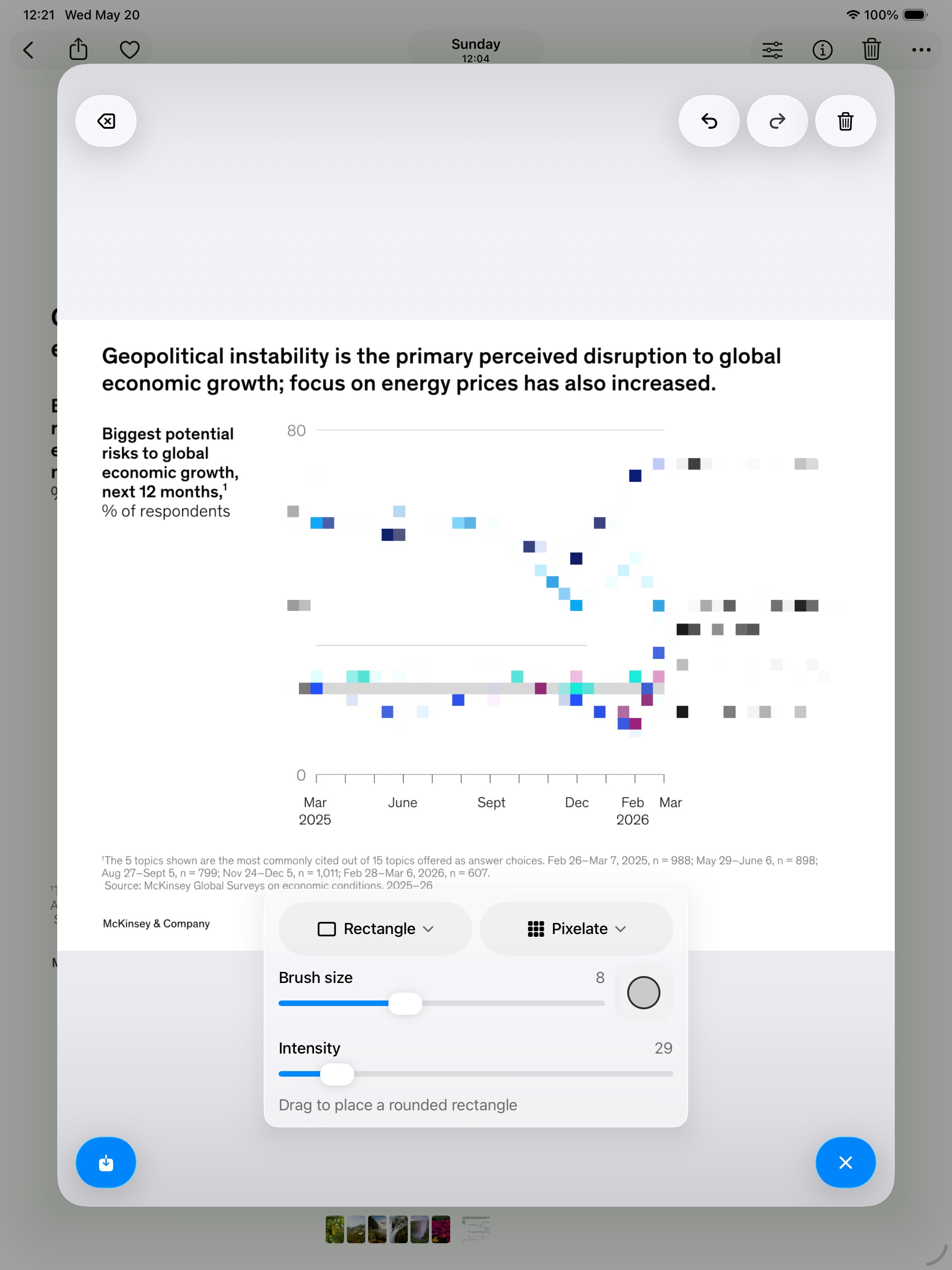
Redact sensitive areas with two precise editing controls.
Choose the redaction style that you prefer.
Refine blur or pixelation strength without starting over.
Original images remain unchanged.
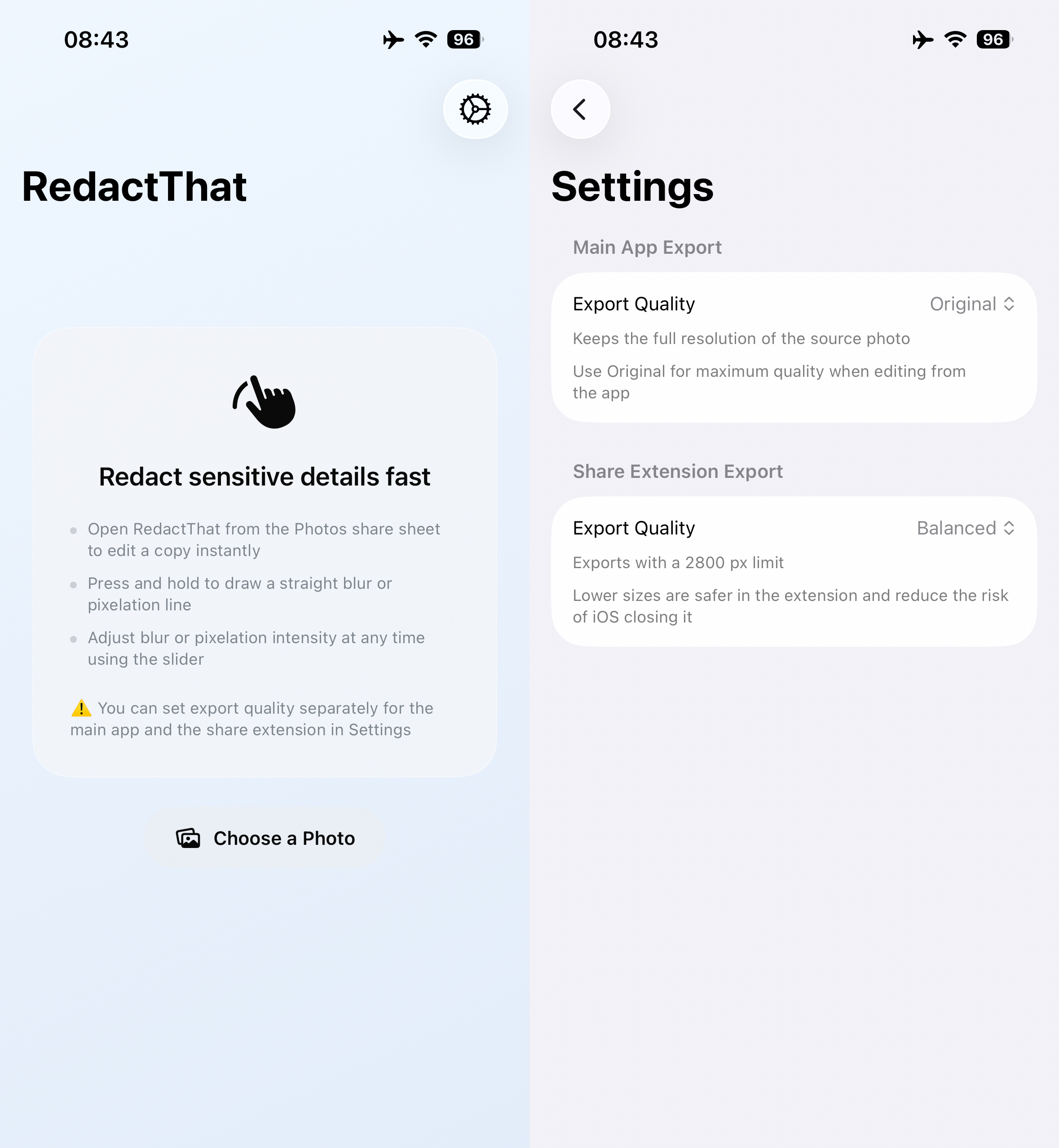
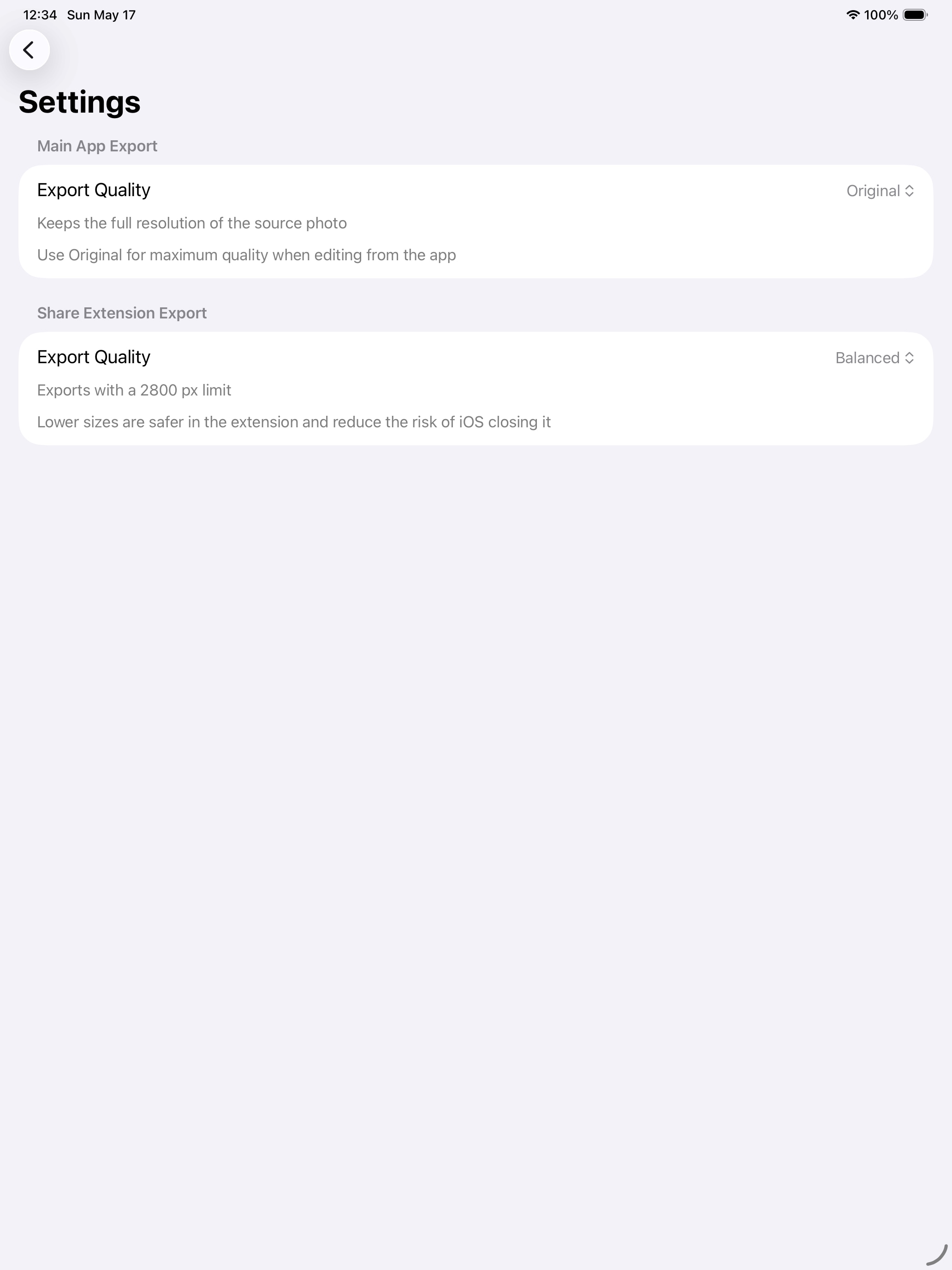
Export optimized or full-resolution images.
Gallery
iOS
iPadOS
Video
Privacy
RedactThat does not collect, store, or share personal data. Processing is performed locally on the device.